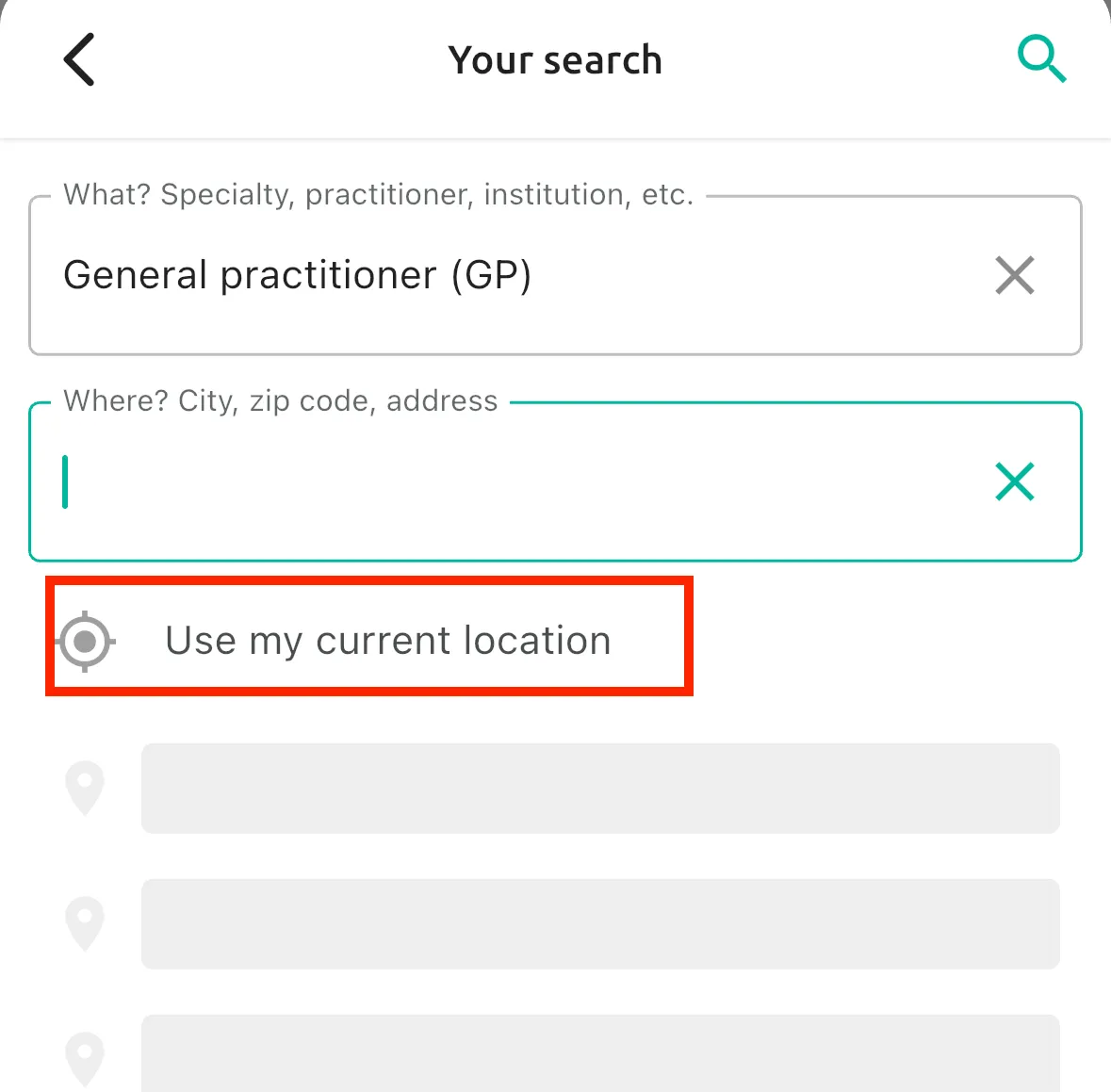
Navigate the OneDoc app
Here is how to navigate and find your appointment via the OneDoc app:
- On the main page, you can simply click on the “search field”.
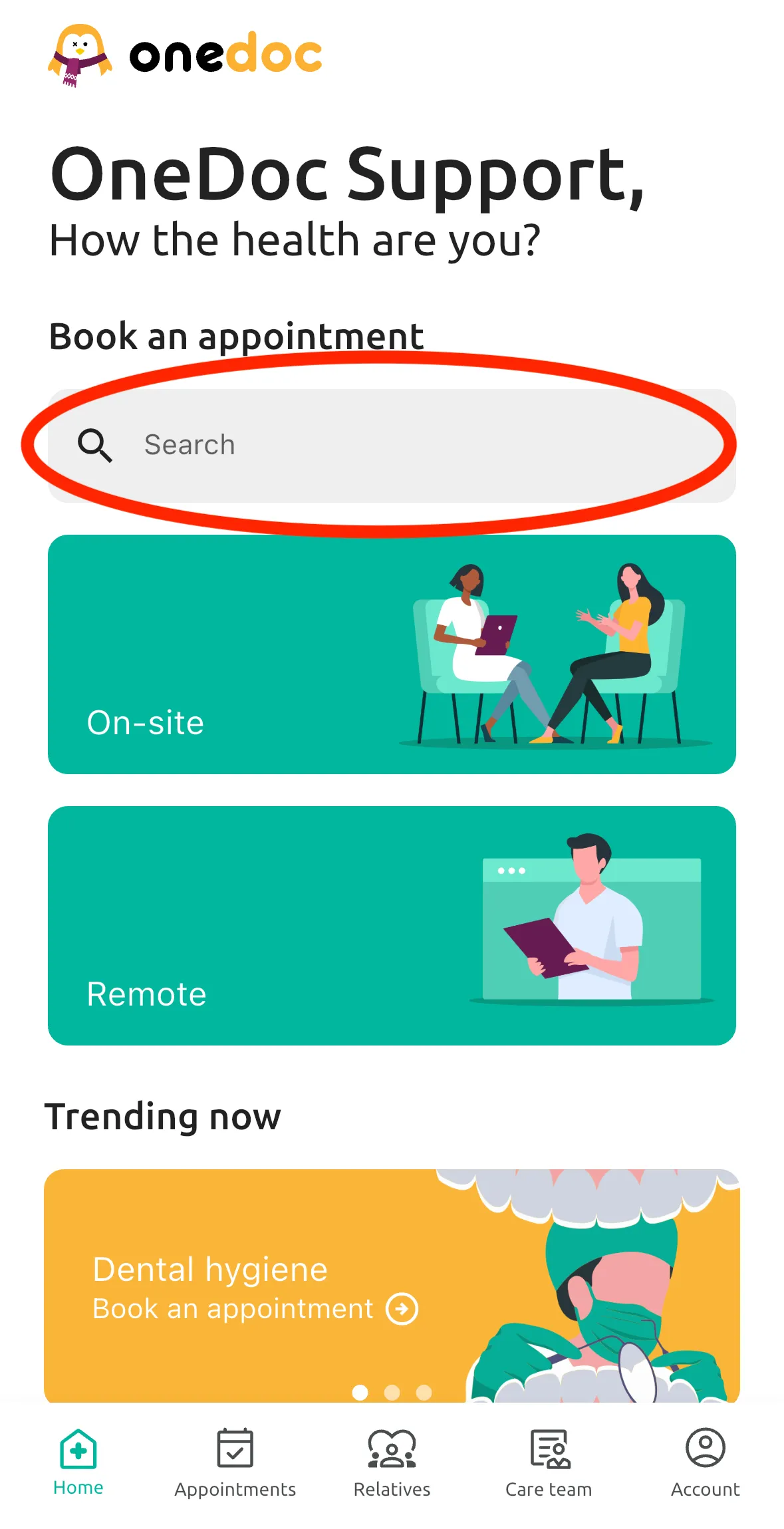
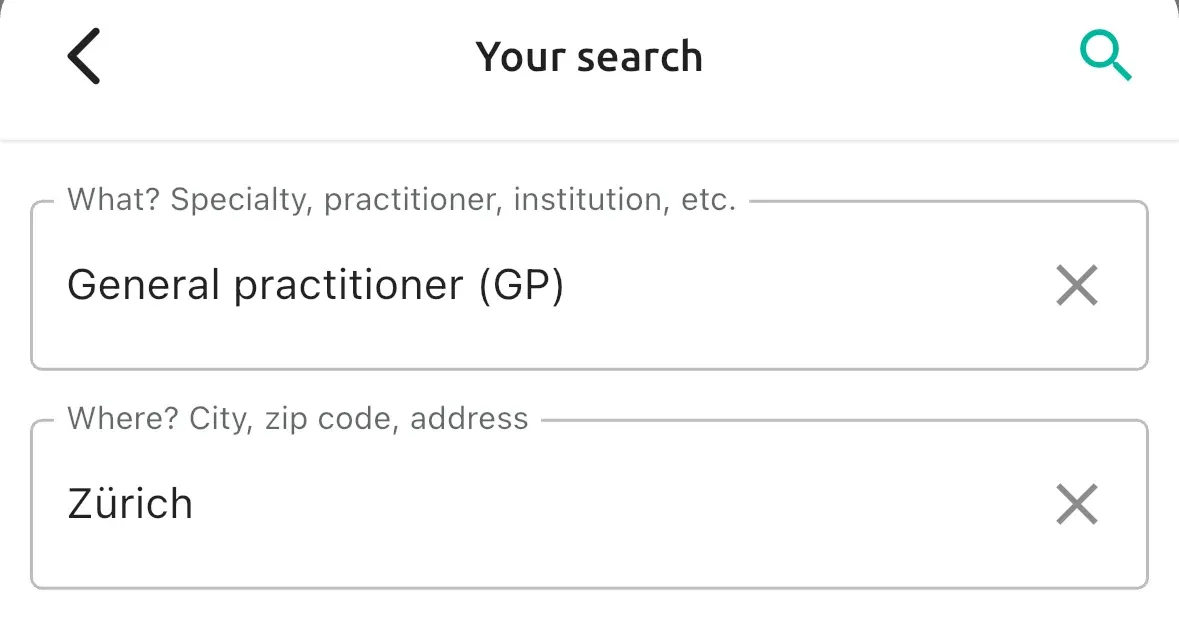
- Type the name of the desired healthcare professional/specialty/institution etc. and your location.
- After, a list of your search results will appear.
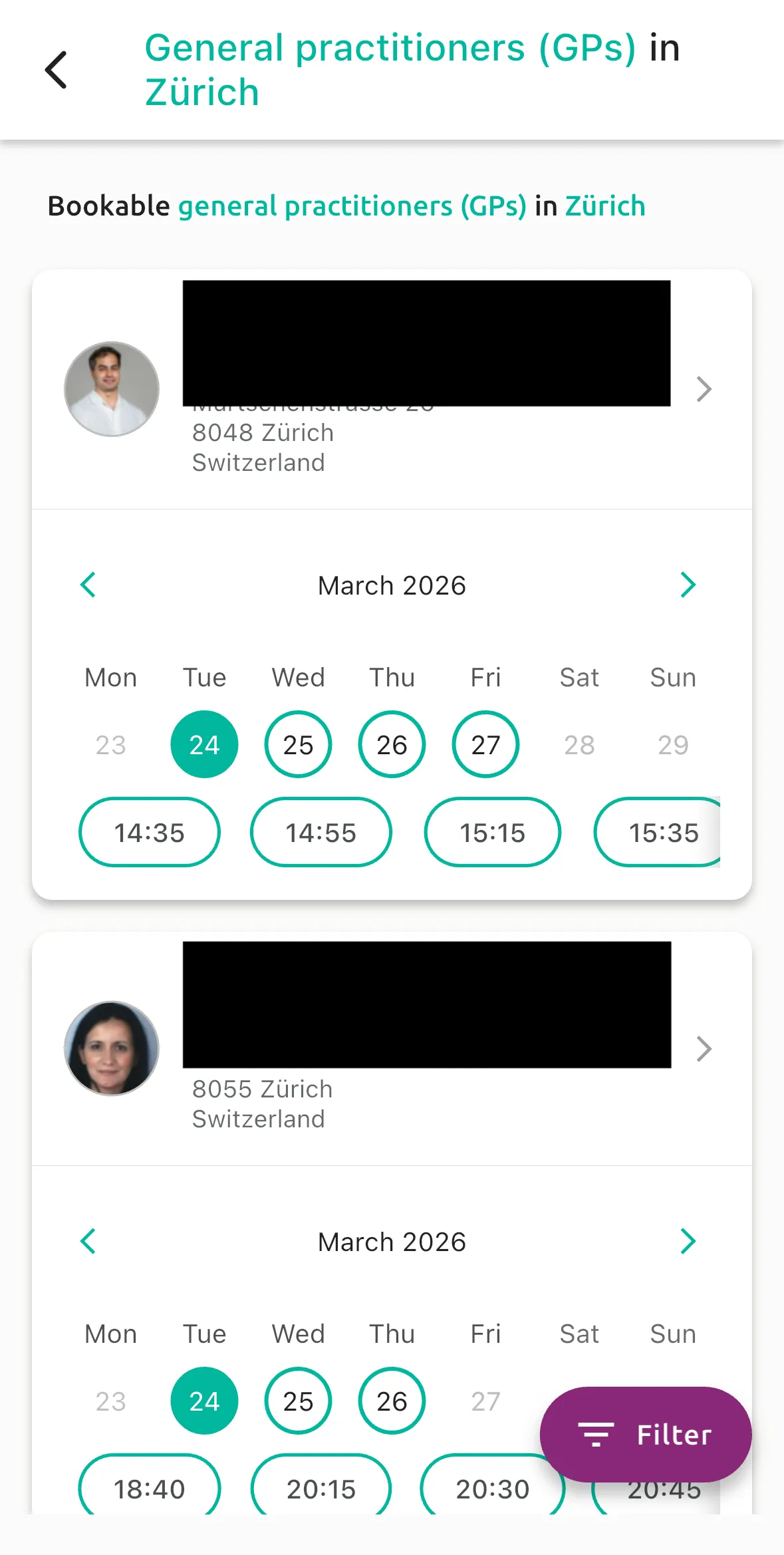
- Simply click on one of the profiles on the list and book your appointment.
Please note:
You can also add additional filters to your search by clicking on “Filter” on the bottom right of the page.
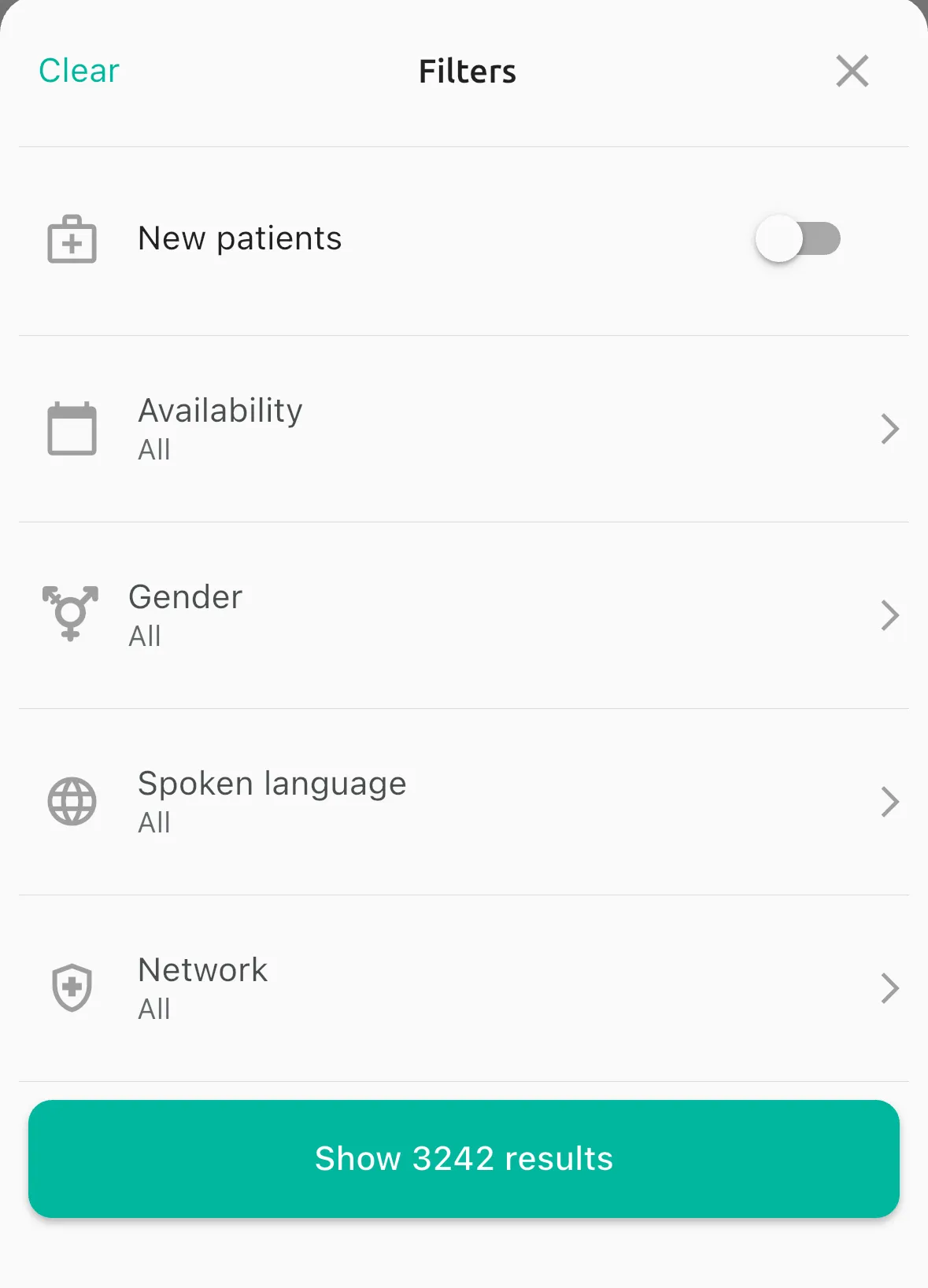
You can choose for an example: the spoken language/gender/insurance network etc. of your healthcare professional.
Please note:
We recommend to use the geolocation to make the search easier