

Cancel an appointment booked online on OneDoc
You can cancel your online appointments on OneDoc from your OneDoc account, up to 24 hours before the appointment:
From your OneDoc account
- Sign in to your OneDoc account by clicking on “Sign in”, then click “My appointments”
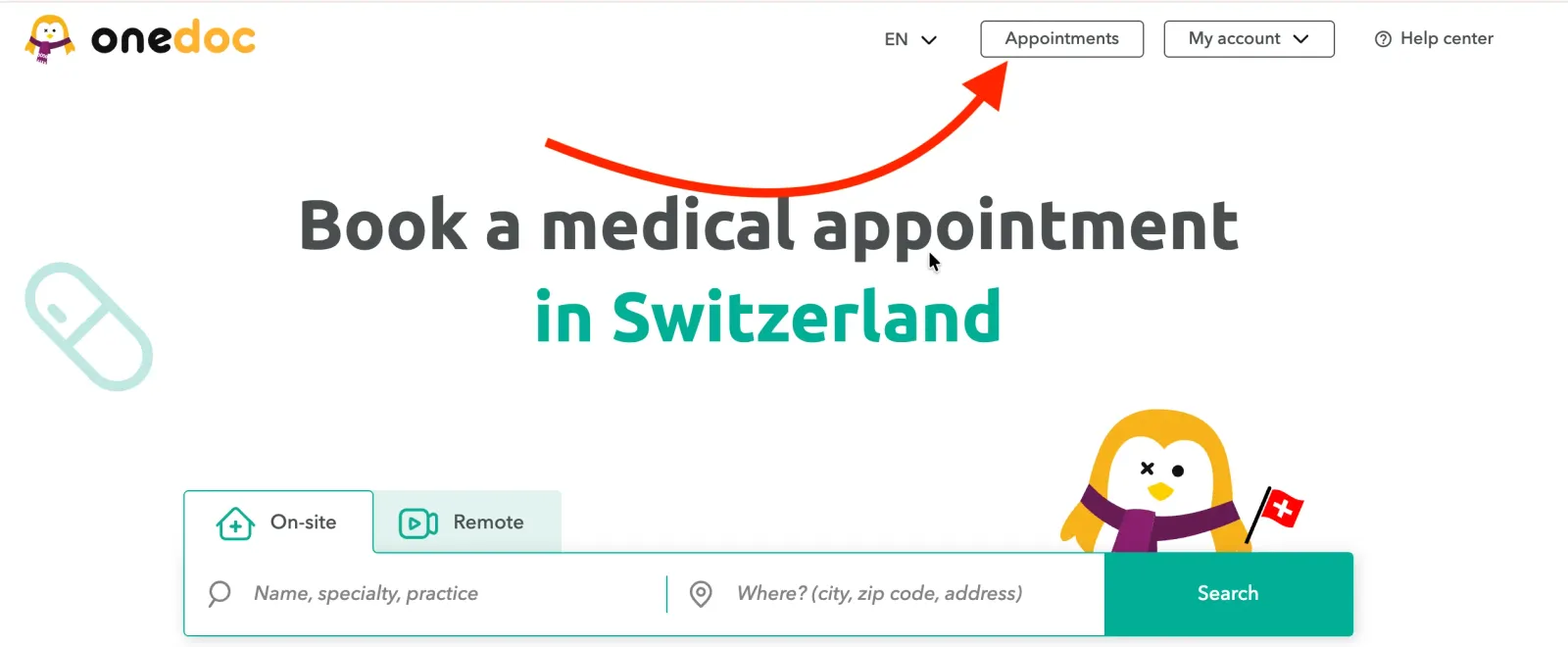
- Select the appointment you wish to cancel, then click on “Cancel appointment”

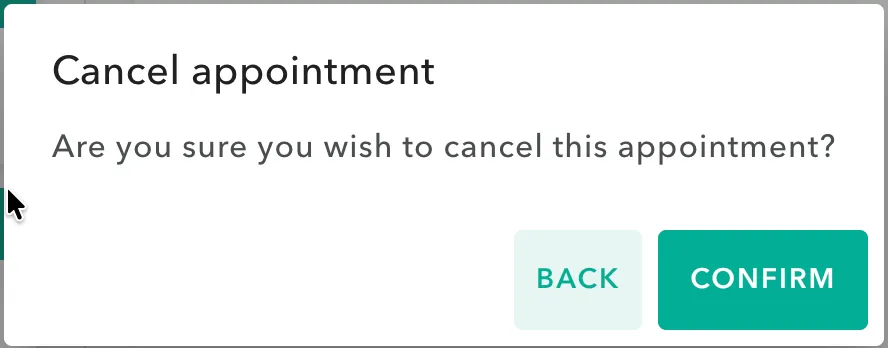
- Confirm by clicking on “Confirm”
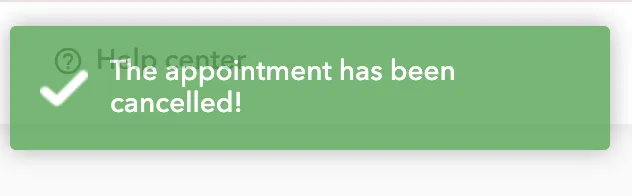
- A small green banner with the words “The appointment has been cancelled!” will be displayed to confirm the cancellation.
- You will then receive an e-mail confirming the cancellation in your mailbox.
From your e-mail appointment confirmation
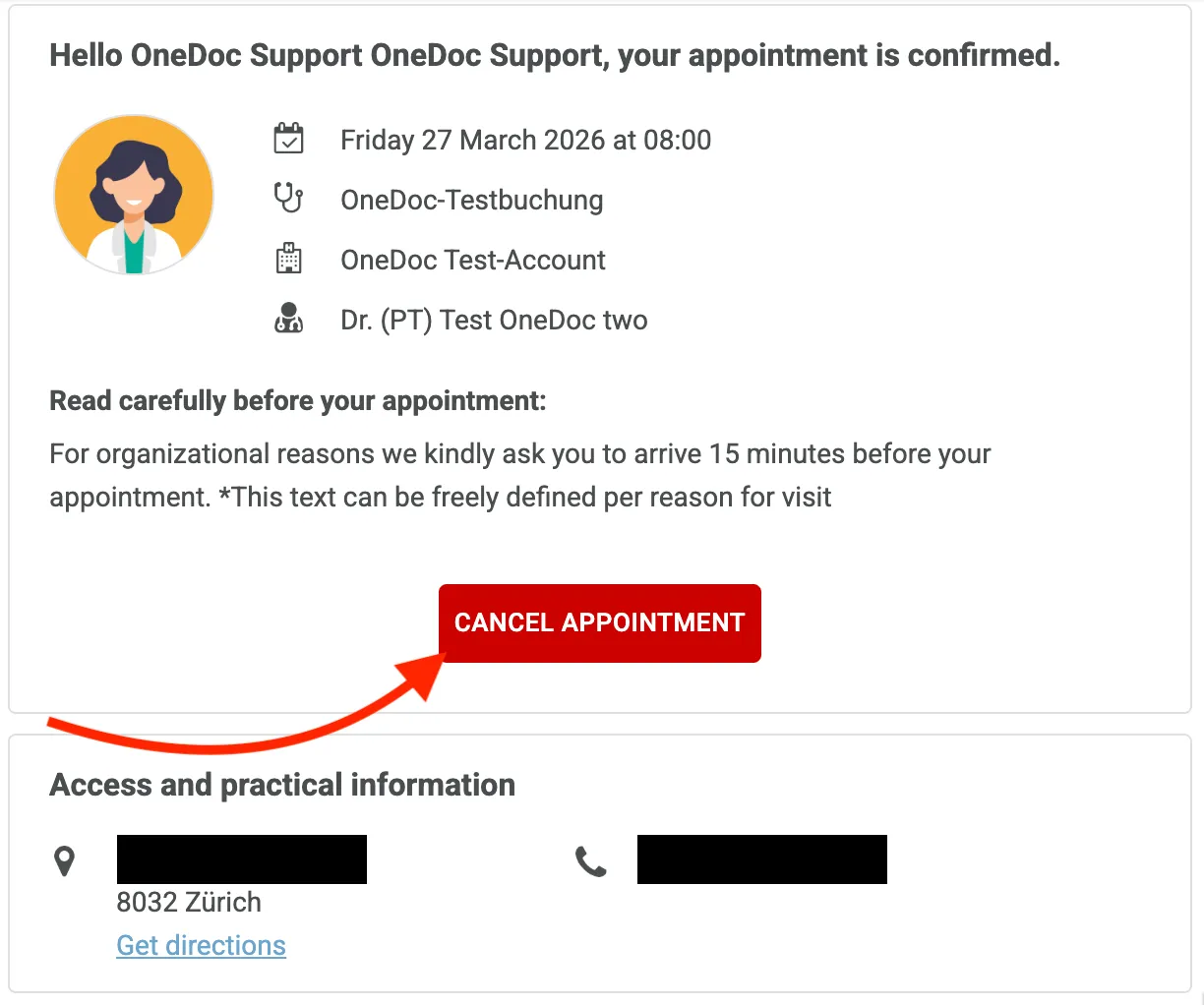
You can also cancel your appointment directly from the confirmation e-mail you received after booking an online appointment. To do this, simply click on the “Cancel appointment” button in the e-mail!
Impossible to cancel my online appointment on OneDoc
An online appointment via OneDoc can be cancelled most of the time up to 24 hours before the scheduled time. After that time, online cancellation is no longer possible, so you should contact the healthcare professional directly by phone. OneDoc will not be able to help you cancel your appointment.
If an appointment you wish to cancel does not appear in your OneDoc space, this may mean that it has been given to you in person by the healthcare professional. In this case, we invite you to contact the healthcare professional directly by phone, as OneDoc does not have access to the healthcare professional’s agendas.